We had so many great updates these last few days, we had to split them up to make it easier to explore.
As always, your feedback has shaped what’s new, from small tweaks to bigger features, all designed to make your day-to-day smoother. Here’s what’s in this update:
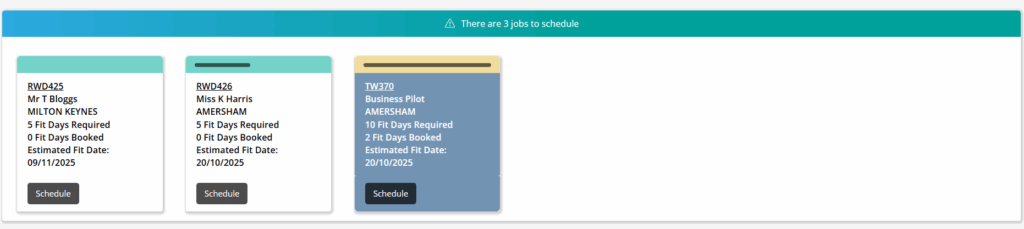
Within the holding area of the schedule board, users now have enhanced visibility on the status of purchase orders associated with each contract. The system uses the same visual indicator to show the current stage of these purchase orders as it does on the main schedule board, making it simple to assess progress at a glance.
Solid bar: All purchase orders have been delivered, meaning the job is ready to proceed whenever you need.
Single/Half bar: Purchase orders have been raised and are affecting the schedule board but delivery of all purchase orders has not yet been completed
No bar: There are either no purchase orders impacting the schedule board, or no purchase orders have been added to the contract.
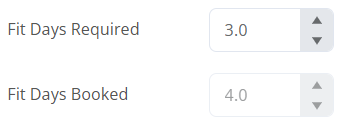
Updates to Fitting Days
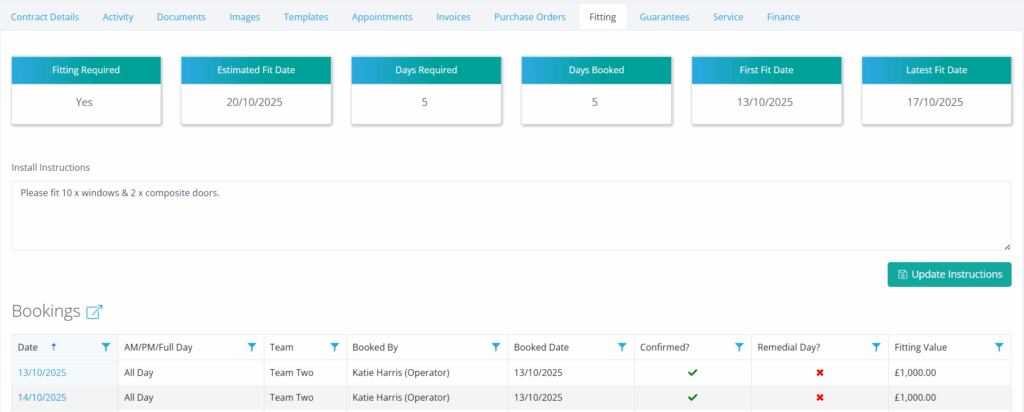
New Contract Fitting Overview Dashboard Within Contract
The new fitting overview offers a summary of scheduling status for your contracts. Within the fitting tab of a contract, a dashboard is now available at the top of the section, similar to the invoice page. This includes information related to the fitting and displays all relevant dates and figures for quick reference, including:
Estimated Fitting Date
Days Required
Days Booked
First Fit Date
Latest Fit Date
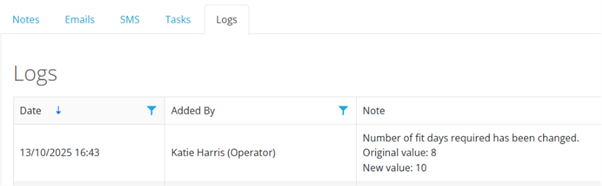
Fitting Days – Amendment Now Shown In Activity Log
If a contract’s fitting days have been amended, this will now show as a log within the activity, giving you a timestamp & user info based on the amendment.
Fitting Days Required & Fitting Days Booked in Job Cost Report
The Job Costs Report now includes the required & booked fitting days columns, allowing you to quickly spot any extra costs or savings that affect job performance. These additions improve transparency and help you assess contract outcomes more effectively.
Updates to Branch System
Branch Sales Targets
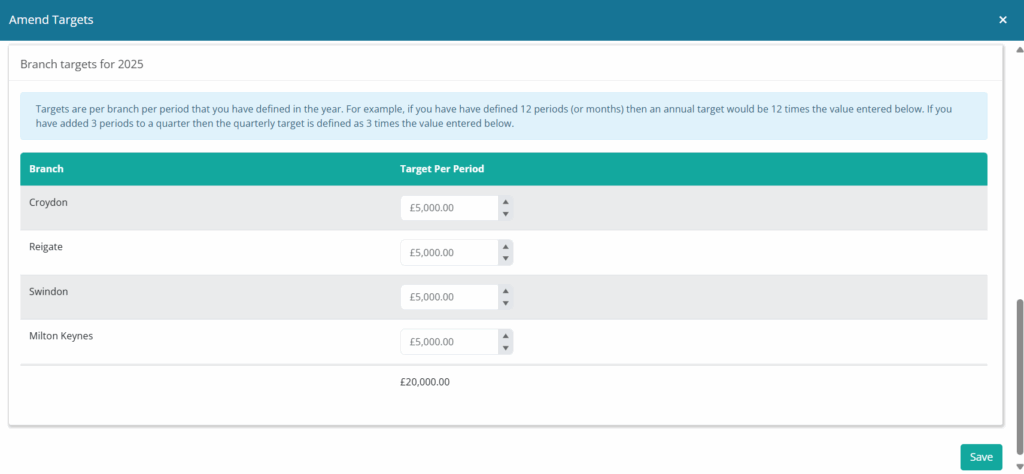
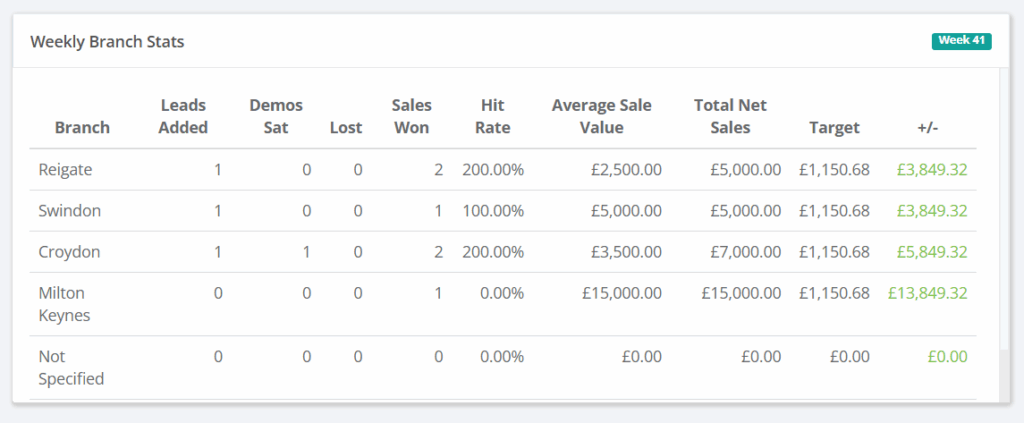
You can now set out specific sales targets for each of your branches within the business. If your salespeople are picking up contracts from various places and using different branches to fulfil orders, the branch will get the sale, and the salesperson will have that sale added based on their individual target. These settings are located within the sales year section of the admin menu.
Branch Dashboard Ordering
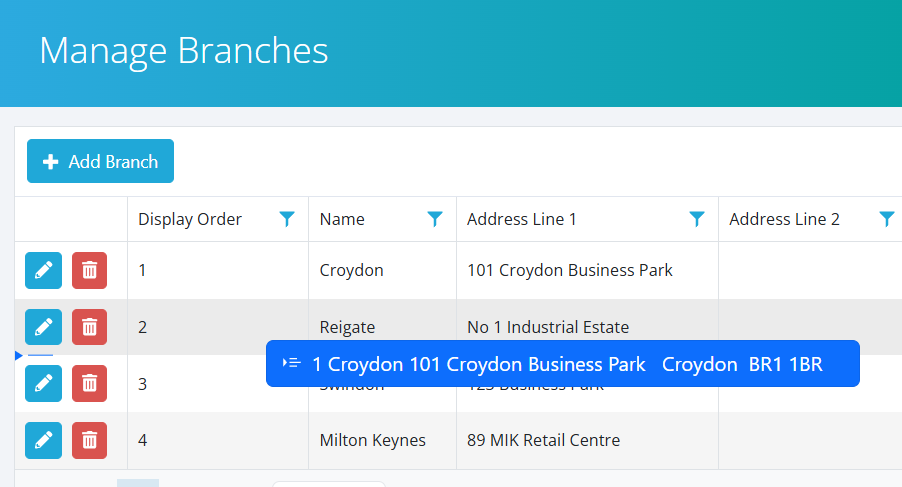
Within the branch settings of the Admin menu, branches can now be re-ordered and are shown in priority order in the branch dashboard.
Additional Grid Columns Added
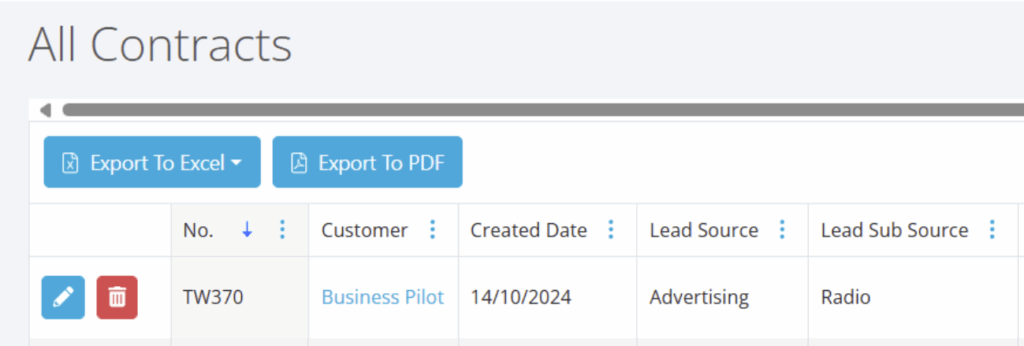
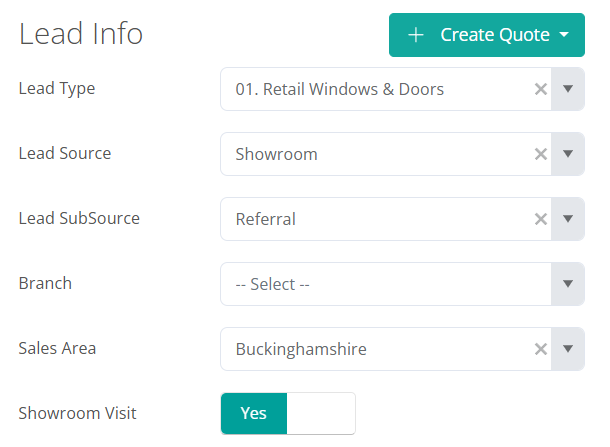
Contract Created Date & Lead Sub Source Column on Contracts Grids
Drill down into the data and find out what are your most successful lead generation sources. You can now add Contract Created Date and Lead Sub Source on the Contracts grid so you can see exactly where that leads have come from.
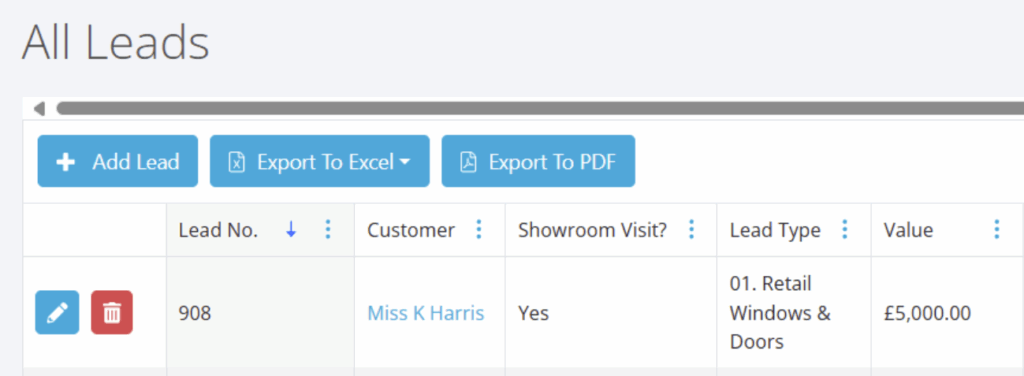
‘Showroom visit?’ Available as Column on Lead Grids
Got a showroom? Want to track whether coming to the showroom or not has impacted sales conversion. A new column on the lead grid allows you to do this more easily.
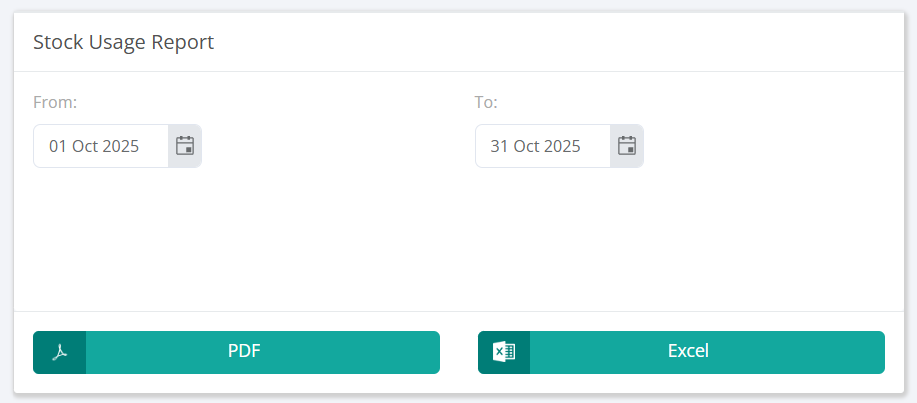
New Stock Usage Report
This new report enables you to view contract stock usage based on the date range the report is generated, complementing the ‘Stock Valuation’ report.
This report runs from the first installation date of which the stock was allocated. Therefore, if the job starts in a weeks time that item will show in stock as of today for accurate quantity checking.
That’s it for now, with more updates coming soon. If you need help with any of these updates, please don’t hesitate to reach out to our support team on 0333 050 7632 or hit the support button to send us a message.